Best video editing software in 2026 | www.theindiafacts.com
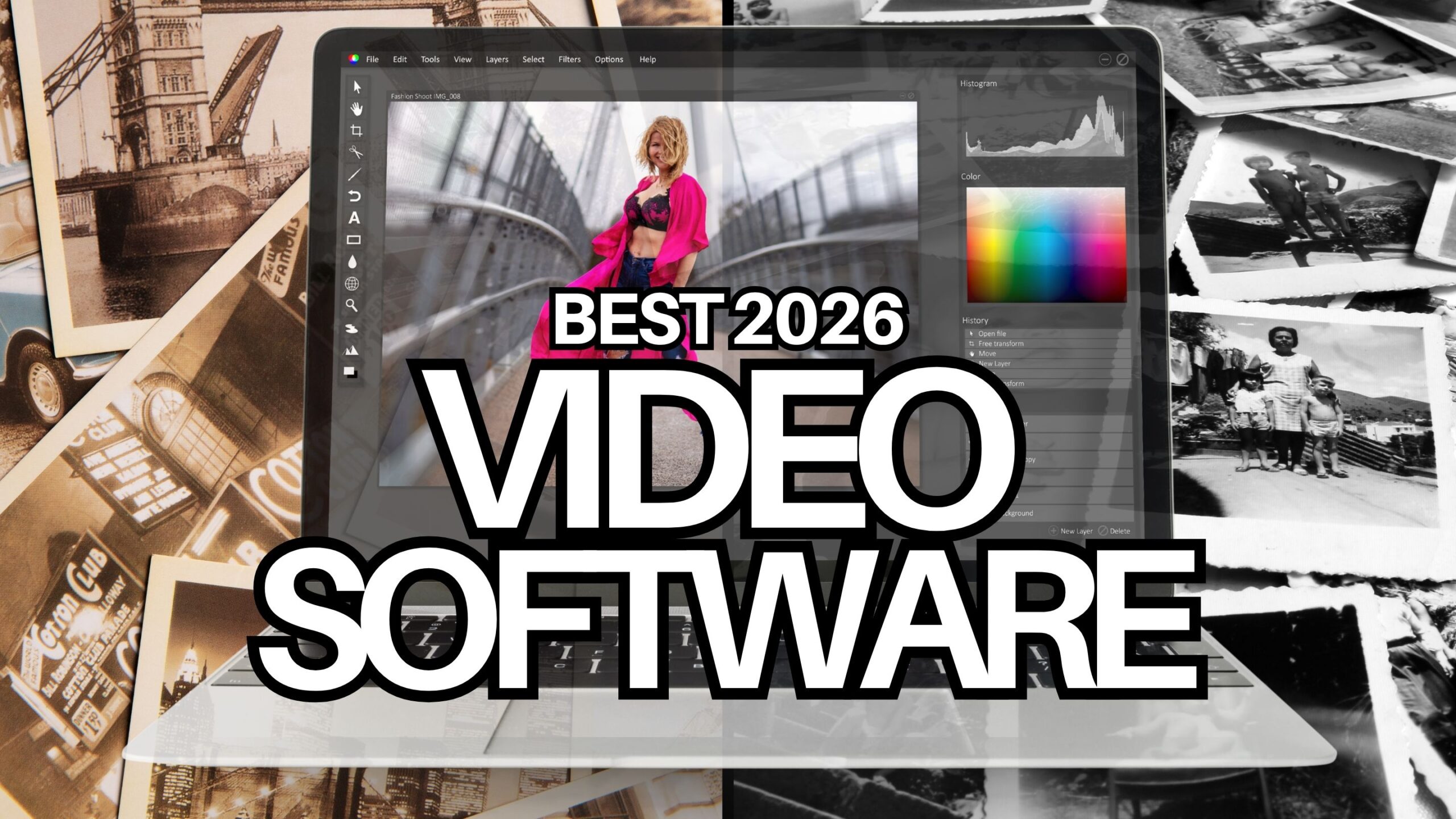
The “best” video editing software in 2026 depends heavily on your goals, platform, and budget. Here’s a practical breakdown:
Best Overall:DaVinci Resolve
Best for: Creators, filmmakers, YouTubers, freelancers, and professionals
1. Extremely powerful free version | Best video editing software in 2026
1. One app with expert editing, color grading, visual effects, and audio capabilities
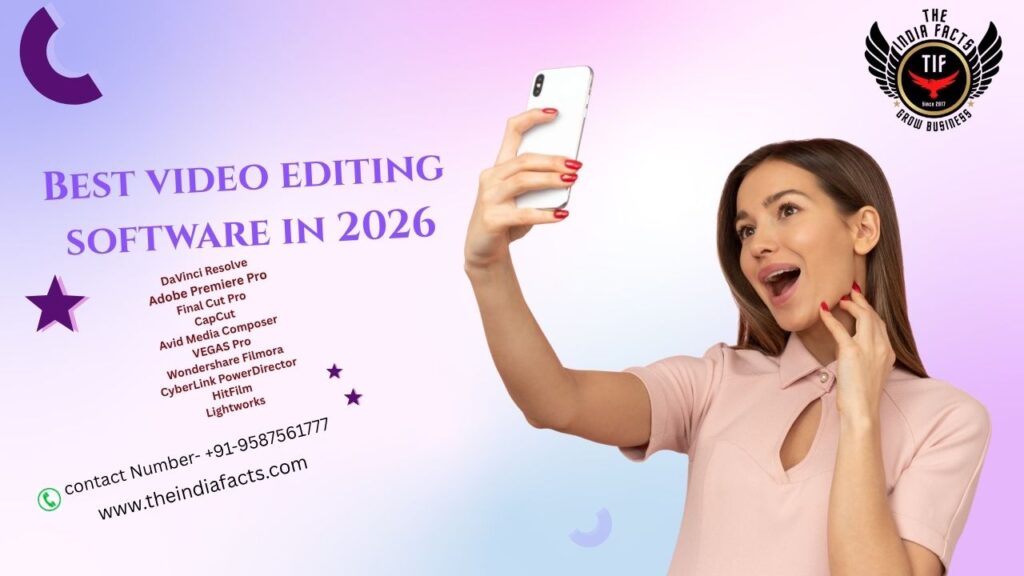
2. A one-time purchase rather than a subscription for the Studio version
3. In 2026, AI-powered solutions for transcription, masking, noise reduction, and workflow will continue to advance.
2. Industry Standard: Adobe Premiere Pro | Best video editing software in 2026
Best for: Agencies, production houses, professional editors
Why choose it
- 1.Most widely used editor in professional workflows
- 2.Excellent integration with Adobe After Effects, audio tools, and Creative Cloud
- 3.Strong collaboration features
- 4.New AI features and workflow improvements in recent updates
3. Best for Mac Users: Final Cut Pro | Best video editing software in 2026
Best for: MacBook and Mac Studio users
Why choose it
- Excellent performance on Apple Silicon
- Fast editing workflow with Magnetic Timeline
- One-time purchase
- Strong optimization for high-resolution footage
4. Best for Social Media Creators: CapCut | Best video editing software in 2026
Best for: TikTok, Instagram Reels, YouTube Shorts
Why choose it
- 1.Fast editing workflow
- 2.Excellent templates and auto-captioning
- 3.Strong AI tools for quick content creation
- 4.Works on desktop and mobile
5.Best for Beginners: Wondershare Filmora | Best video editing software in 2026
Best for: New creators and hobbyists
Why choose it
- Easy drag-and-drop interface
- Lots of built-in effects
- Faster to learn than professional editors
1 Flora – Wondershare Flora is a popular video editing application designed for beginners, content creators, small businesses, educators, and social media users. It is developed by Wondershare and is known for being easier to learn than professional tools like da Vinci Resolve or Premiere Pro
2. Premiere Pro – Adobe Premiere Pro is a professional video editing application developed by Adobe. It is one of the most widely used video editing tools in the film, television, advertising, and content creation industries.
3. Cap Cut- Cap Cut is a popular video editing application developed by Cap Cut (owned by ByteDance, the parent company of TikTok). It is widely used for creating short-form videos, social media content, and marketing materials.
Why you need editing software in business | Best video editing software in 2026
Video editing software is valuable in business because it helps organizations create professional, content for marketing, communication, training, and sales.
Marketing and Advertising
Businesses use edited videos to:
1. Promote products and services
2. Create social media content
3. Run advertising campaigns
4. Improve brand awareness
A well-edited video can attract more attention than text or static images alone.
Social Media Growth
Platforms such as youtube ,Landing Page and Tiktok favor video content. Editing software helps businesses instagram
To talk about Social Media Growth in 2026 is to talk about a fundamentally different beast than it was even two years ago.
The “golden era” of posting 3 times a day, using 30 hashtags, and watching the algorithm reward you is over. Today, growth is fragmented, AI-driven, and deeply reliant on human psychology.
Here is the modern playbook for social media growth, broken down into the four pillars that actually matter right now.
- 1.Add captions and graphics
- 2.Create short-form videos
- 3.Optimize content for different platforms
- 4.Maintain a professional appearance
4. Employee Training
If you apply the exact same psychological principles of modern social media growth to employee training, you will completely revolutionize your L&D (Learning & Development) department.
Here is the hard truth: Traditional training (hour-long slide decks, annual compliance videos, buried PDF handbooks) is the “Bot-generated content” of the corporate world.Employees scroll past it, swipe it away, and absorb nothing.
To fix that, we have to apply the 2026 social media playbook—Micro-communities, Search-Engine thinking, and Engagement Velocity—to how we teach our teams. Here is the blueprint.
Companies create training videos to:
- 1.Onboard new employees
- 2.Demonstrate procedures
- 3.Deliver safety training
- 4.Share company policies
Edited videos are easier to understand and can be reused many times.
Sales Presentations and Product Demos
To talk about Social Media Growth in 2026 is to talk about a fundamentally different beast than it was even two years ago.
The “golden era” of posting 3 times a day, using 30 hashtags, and watching the algorithm reward you is over. Today, growth isfragmented, AI-driven, and deeply reliant on human psychology.
Here is the modern playbook for social media growth, broken down into the four pillars that actually matter right now.
Businesses use videos to:
- 1.Showcase product features
- 2.Explain complex services
- 3.Present customer success stories
- 4.Support sales teams
Professional editing helps highlight key information and keep viewers engaged.
Corporate Communication
This is the master key that ties everything we have discussed together.
If Social Media Growth is about attracting attention, Employee Training is about building competence, and Sales Presentations are about converting value—then Corporate Communication is the operating system that makes all three work in harmony.
In 2026, corporate communication is broken. Why? Because most companies communicate like a megaphone (top-down, generic, robotic), while employees and stakeholders communicate like a messaging app (peer-to-peer, authentic, fragmented). The gap between the two is destroying trust, slowing down execution, and bleeding top talent.
To fix this, we must apply the 2026 playbook to intern
Video editing software helps create:
- 1.CEO messages
- 2.Company updates
- 3.Internal announcements
- 4.Event recaps
6.Building Brand Identity
If Social Media Growth is the engine, Employee Training is the steering wheel, Sales Presentations are the fuel, and Corporate Communication is the operating system—then Brand Identity is the chassis and the paint job. It is the structural integrity that holds everything together, and the visual/emotional signal that makes people recognize you from a mile away.
Here is the hard truth about branding in 2026: Your brand is no longer what you say about yourself. It is what Reddit, TikTok comments, Glassdoor reviews, and your ex-employees say about you when you aren’t in the room.
You cannot “stamp” a brand onto a company anymore. You have to excavate it from within and amplify it outward. If the identity is fake, the audience (whether customers, employees, or investors) will sniff it out in milliseconds.
Here is the modern playbook for building a brand identity that actually sticks in 2026.
Editing tools allow businesses to add:
- 1.Company logos
- 2.Brand colors
- 3.Consistent fonts
- 4.Intro and outro sequences .
7. Event and Customer Testimonial Videos
If Brand Identity is the promise you make to the world, then Event and Customer Testimonial Videosare thereceipts—the undeniable, visual proof that your promise is real. In 2026, trust is the most valuable currency, and video is the most trusted medium.
But here is the brutal reality: 99% of event recap videos are boring, and 99% of customer testimonial videos are cringey, scripted infomercials. The audience has developed a highly sensitive “BS Detector” for staged authenticity.
To win, you have to apply the 2026 playbook—micro-engagement, search ability, and raw humanity—to how you capture and distribute these videos. Here is the modern blueprint.
Businesses often record:
- 1.Conferences
- 2.Product launches
- 3.Webinars
- 4.Customer interviews
Benefits for Small Businesses
For a small business, software such as DaVinci Resolve can help:
- 1.Reduce marketing costs by producing content in-house
- 2.Create professional promotional videos
- 3.Increase customer engagement
- 4.Improve online visibility
- 5.Support e-commerce and digital marketing efforts
Example
Imagine a bakery launching a new cake:
- Record the baking process.
- Edit the footage to remove unnecessary parts.
- Add text, music, prices, and branding.
- Publish the final video on social media.
The edited video is usually more engaging and persuasive than raw footage, making it more effective for attracting customers and generating sales.
In short, video editing software helps businesses communicate more clearly, market more effectively, strengthen their brand, and increase customer engagement.
Get smarter responses, upload files and images, and more
How editing software grow you video projects
Improves video quality
1.Cut unwanted footage.
2.Correct colors and lighting. 3.Improve audio quality and remove noise
Makes videos more engaging
1.Add transitions, effects, animations, and text.
2.Include music, sound effects, and captions.
3.Create a more professional viewing experience.
Saves time
1.Templates, presets, and automation speed up editing.
2. Organize large amounts of footage efficiently.
Strengthens storytelling
1.Arrange clips in a logical sequence.
2.Control pacing and emotional impact. 3.Highlight the most important moments.
Supports multiple platforms
1.Export videos in formats optimized for YouTube, Instagram, TikTok, or presentations.
2.Create different aspect ratios from the same project.
Enables collaboration
1.Many modern editors allow team members to review and comment on projects.
2.Easier sharing and version management.
Popular editing software includes Adobe Premiere Pro, DaVinci Resolve, Final Cut Pro, and CapCut.
If you meant something fferent by “grow your video projects,” tell me a bit more and I’ll explai
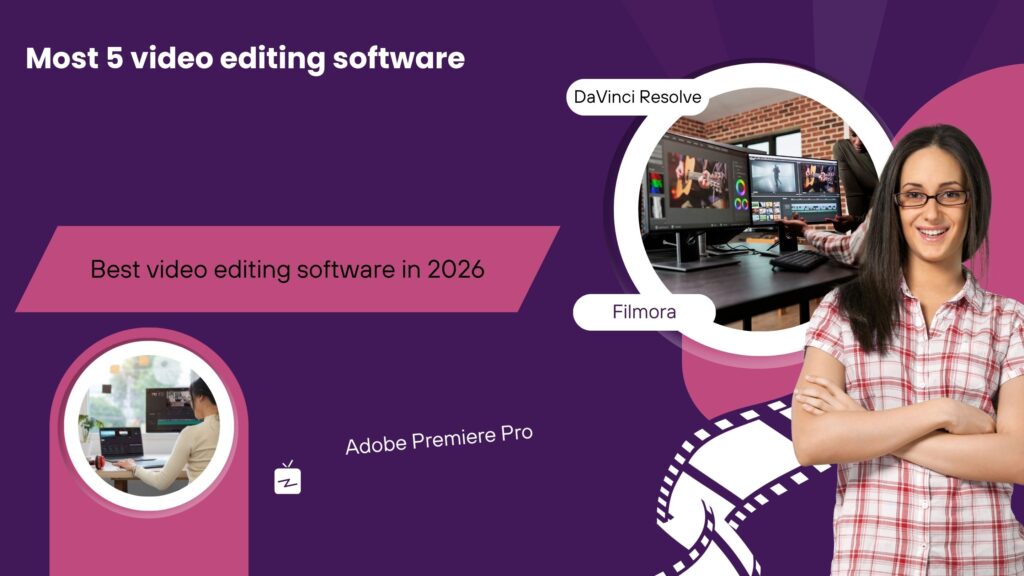
Most 5 video editing software
Five of the most popular and capable video editing software options are:
- Adobe Premiere Pro
1.Industry standard for professional video production.
2.Strong editing, color grading, audio, and integration with other Adobe tools.
3.Best for: YouTube’s, filmmakers, and professional editors.
- DaVinci Resolve
1.Excellent color correction and grading tools.
2.Includes editing, visual effects, and audio production in one package.
3.Best for: Professional and advanced users.
4.Offers a powerful free version.
- Final Cut Pro
1.Optimized for Apple computers.
2.Fast performance and intuitive workflow.
3.Best for: Mac users and content creators.
- CapCut
1.Easy to learn with many built-in effects and templates.
2.Popular for short-form social media content.
3.Best for: Beginners, TikTok, Instagram, and YouTube Shorts creators.
- Wondershare Filmora
1.User-friendly interface with plenty of effects and transitions.
2.Easier to learn than many professional editors.
3.Best for: Beginners and intermediate users.
Quick recommendation
1. Beginner: CapCut or Filmora
2. Free professional editor: DaVinci Resolve
3. Professional Windows/Mac editor: Adobe Premiere Pro
4 Professional Mac editor: Final Cut Pro
You can tell me your skill level (beginner, intermediate, or professional) and your computer (Windows, Mac, or mobile), and I can recommend the best one for you.
conclusion of Best video editing software in 2026
Based on expert tests and reviews for 2026, there’s no single “best” video editor, as the right choice depends entirely on your skill level, budget, and what you’re creating. The market is clearly split between user-friendly, AI-powered options and professional-grade suites for filmmakers.